
·1 min read·Gretio
Global B Support Open Beta
Hello Gretio users!
Global B support for Gretio is now here and will reach general availability within the next few weeks. This includes full PID Support, controls, Diagnostic Trouble Codes, and all the features you are familiar with from the old Global A system such as regens, lightning controls, and thousands of data points / PIDs.
For those unaware: Global B (or VIP) is GM’s newer vehicle architecture found on all of their new vehicles.
Global B also represents Gretio’s entry into Electric Vehicles and EV-specific modules such as the “Battery Energy Control Module” and “Drive Motor Control Module (1/2).”
While there is no change to how Gretio looks with these newer vehicles, there are a large number of behind-the-scenes changes and subtle differences. For example, the connection process to Global B is different.
iOS Changes
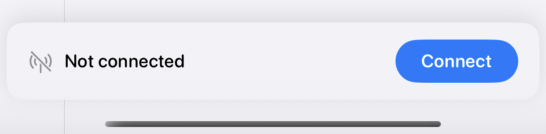
Improved Connection Prompt
The new connection prompt is cleaner and more visible than the previous connect button.
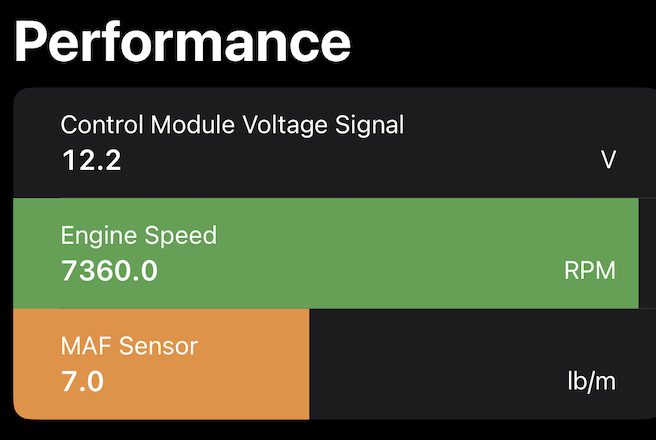
Bar Gauges
You can now add colorful bar gauges to the dashboard by simply tapping on a menu
Previous Connected Vehicles
Similar to Android, iOS now shows prior vehicles connected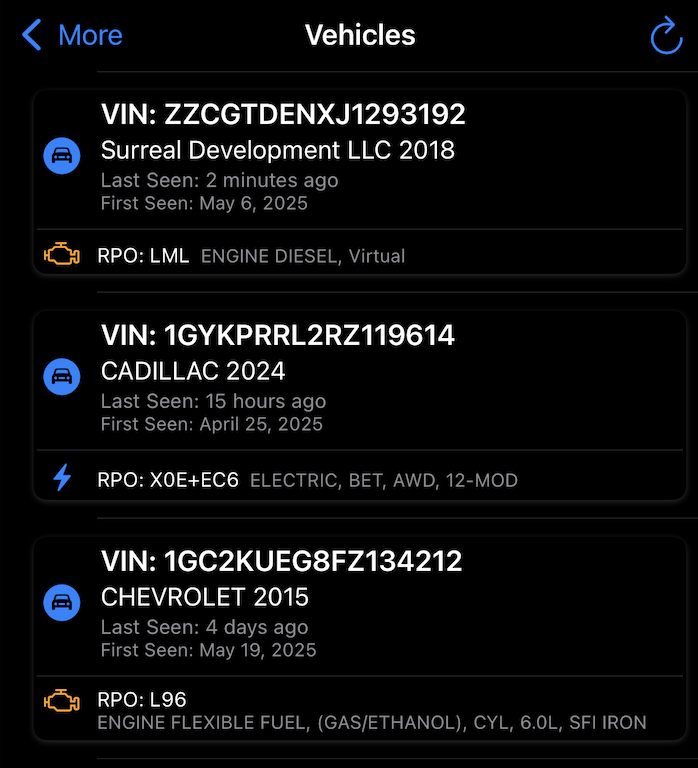
Android Changes
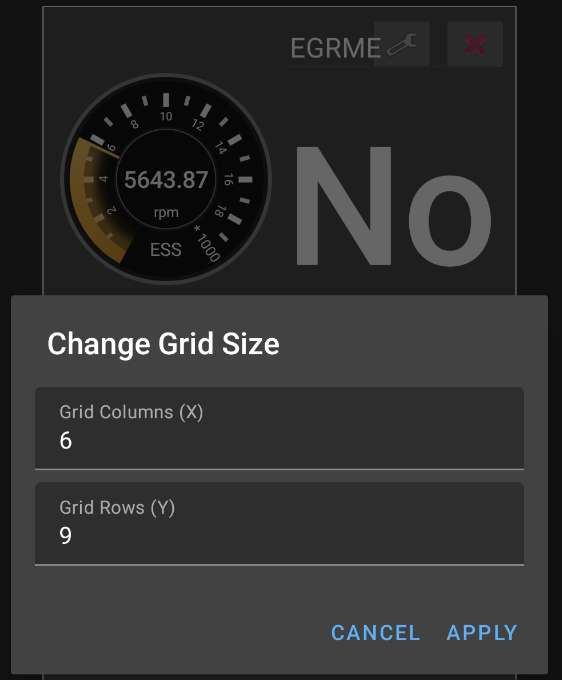
Resizeable Dashboard
You can now change the underlying grid size of a dashboard to fit your specific needs better.
Streamline Modules Menu
The modules menu has many subtle changes. Controls are no longer locked behind a menu item.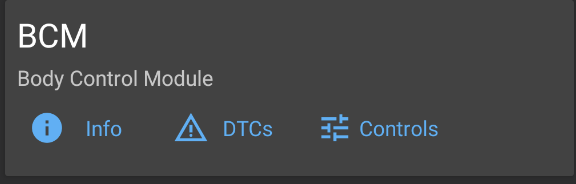
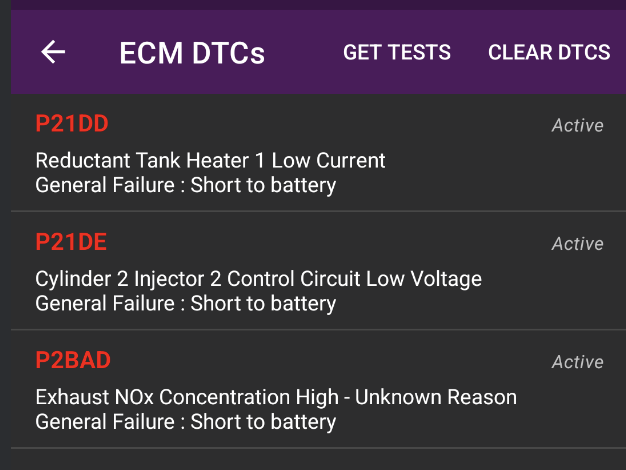
And the DTC Lists are more colorful
Last updated May 6, 2026