·2 min read·Gretio
Gretio Android UI Changes
Hello Gretio users!
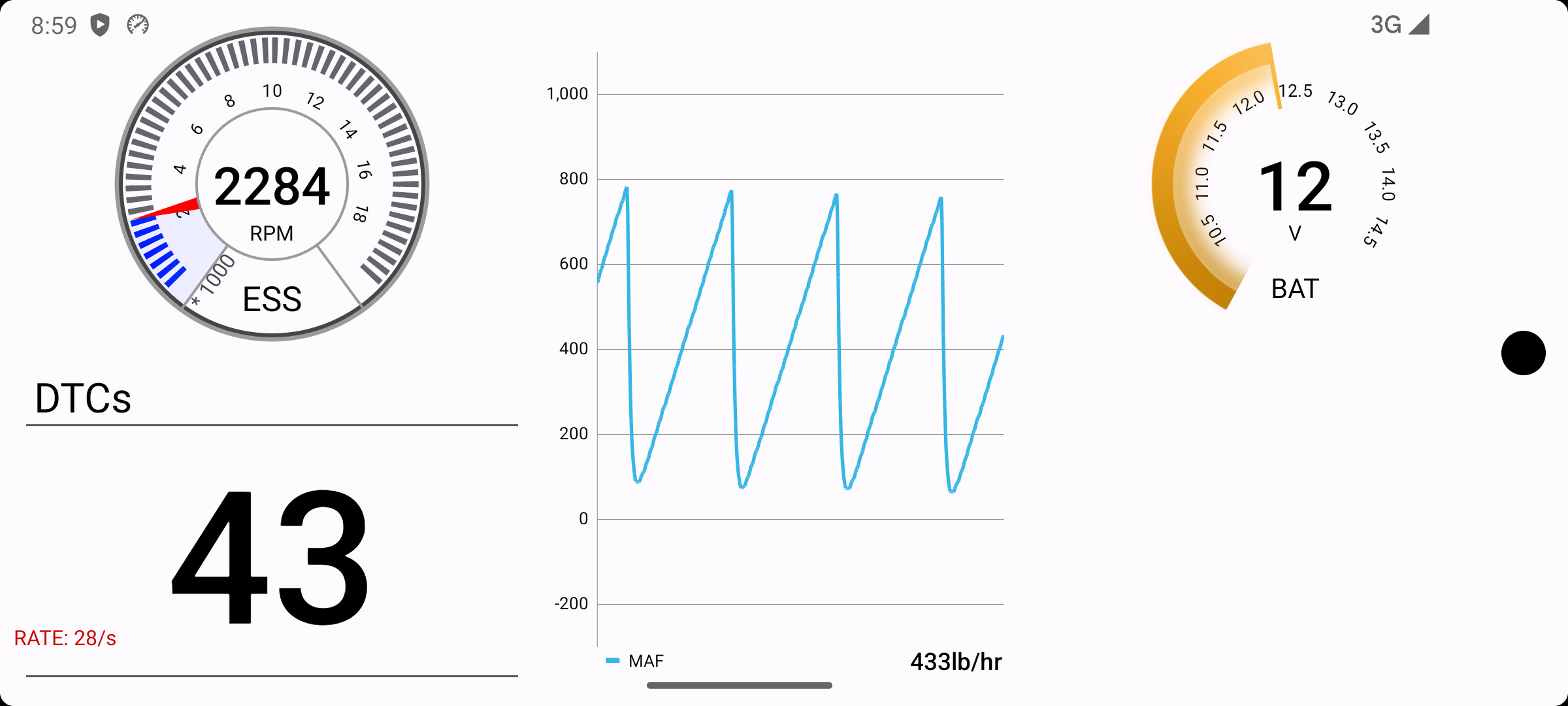
After the rollout of Global B, Gretio Android will be seeing some much needed UI changes.
Light Mode
Gretio will now support a light mode. It will automatically change to day or night mode based on your system.
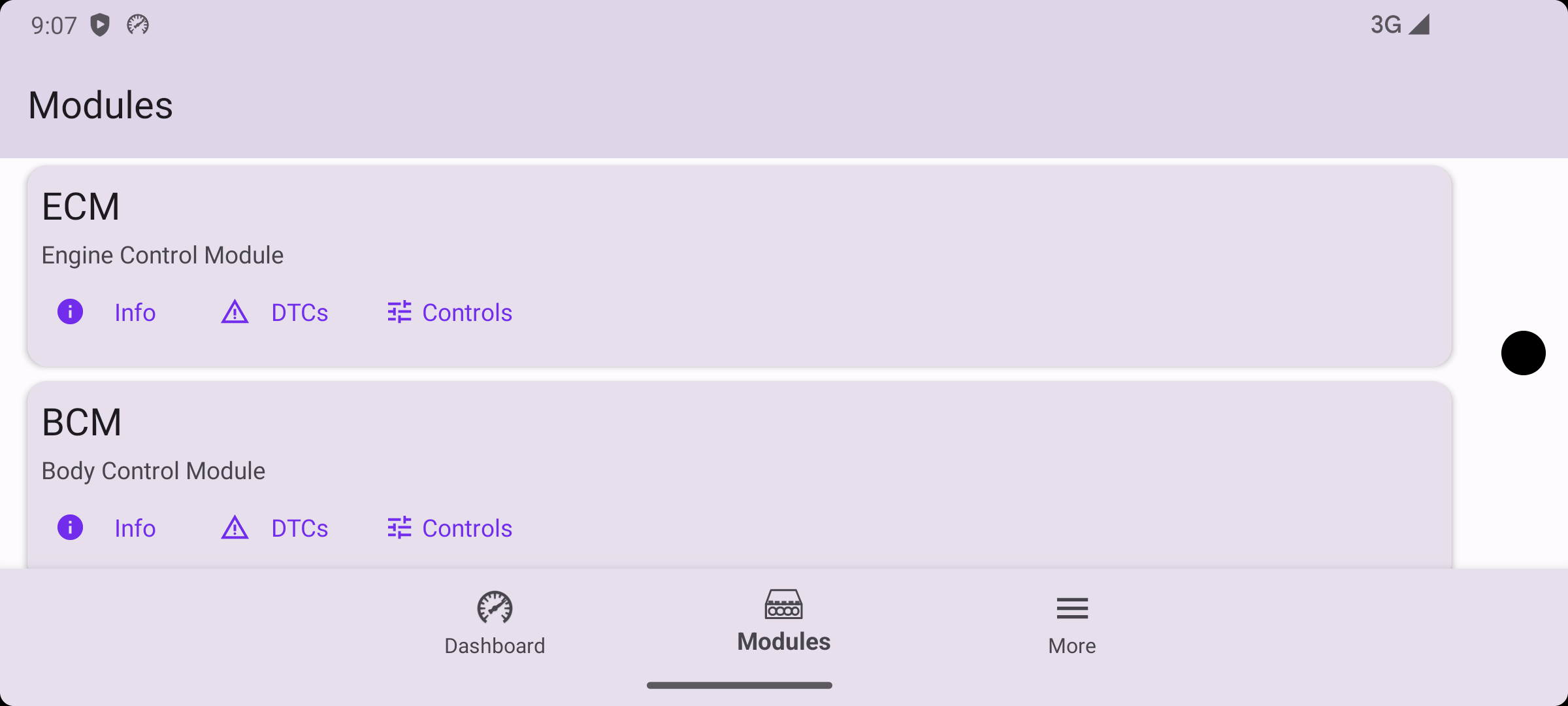
If you don’t like this, you can manually pick your favorite in settings.
Edge to Edge
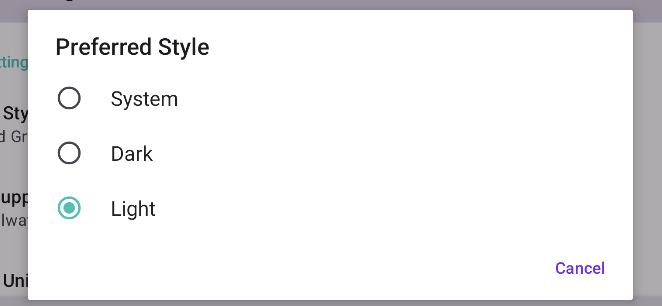
Gretio Android has been highly reworked to support edge to edge to the best of my ability. Gretio has always been an “edge to edge” app, but many UI elements fell within insets. This is no longer the case.
Edge to Edge Dashboard
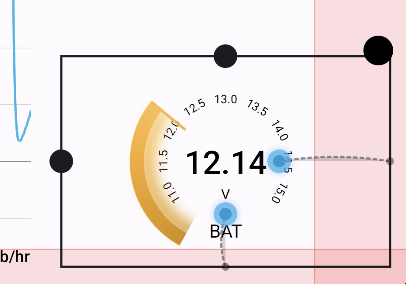
Gauges can now be dragged behind camera bumps and system gesture areas.
This creates some challenges when customizing as you can’t really ‘edit’ items in these regions. To fix this we added a special gesture system which allows you to edit a dashboard regardless of the configuration.
In this example you can see the resize bars re positioned to avoid the exclusion zones (red areas).
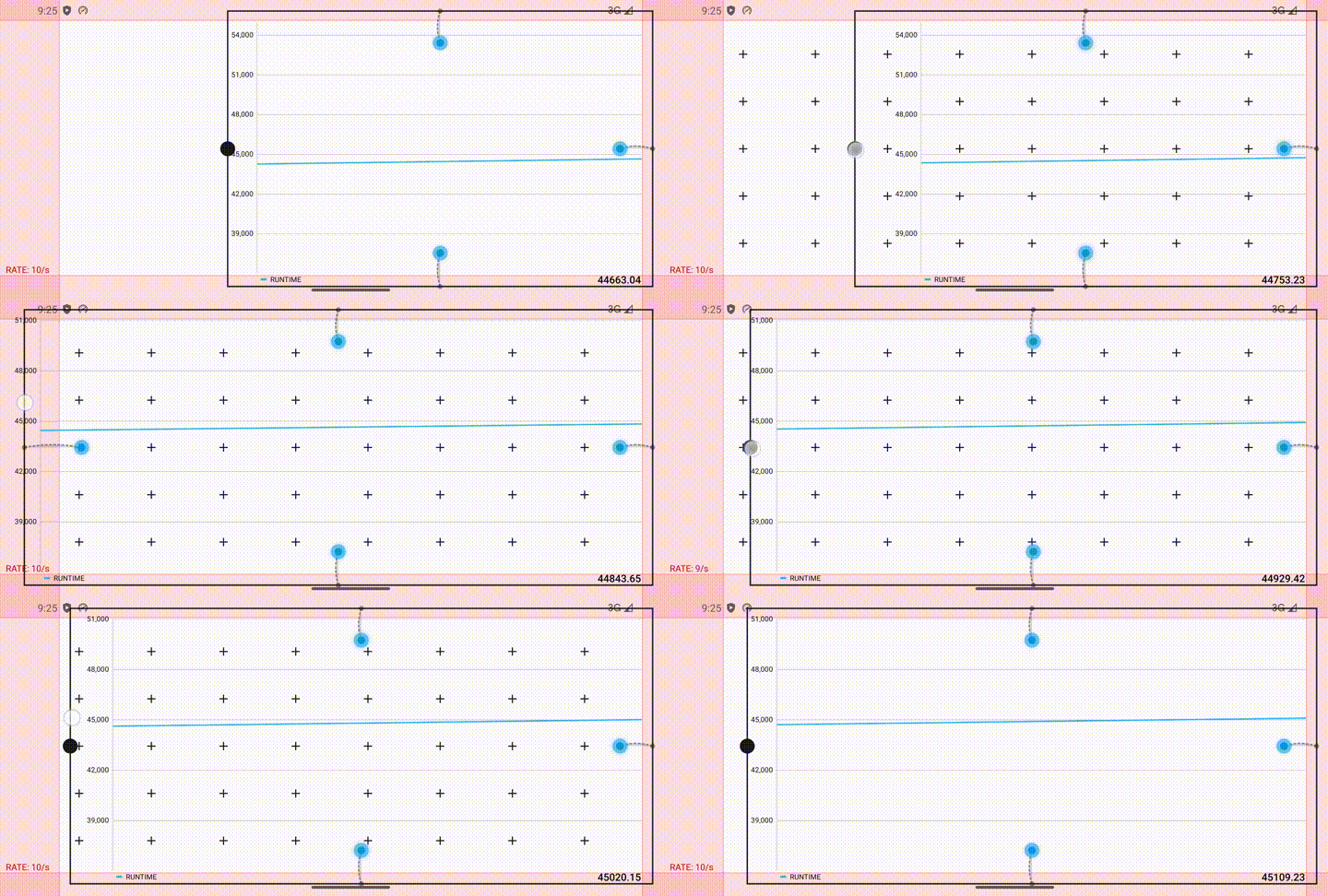
Edge to Edge Menus
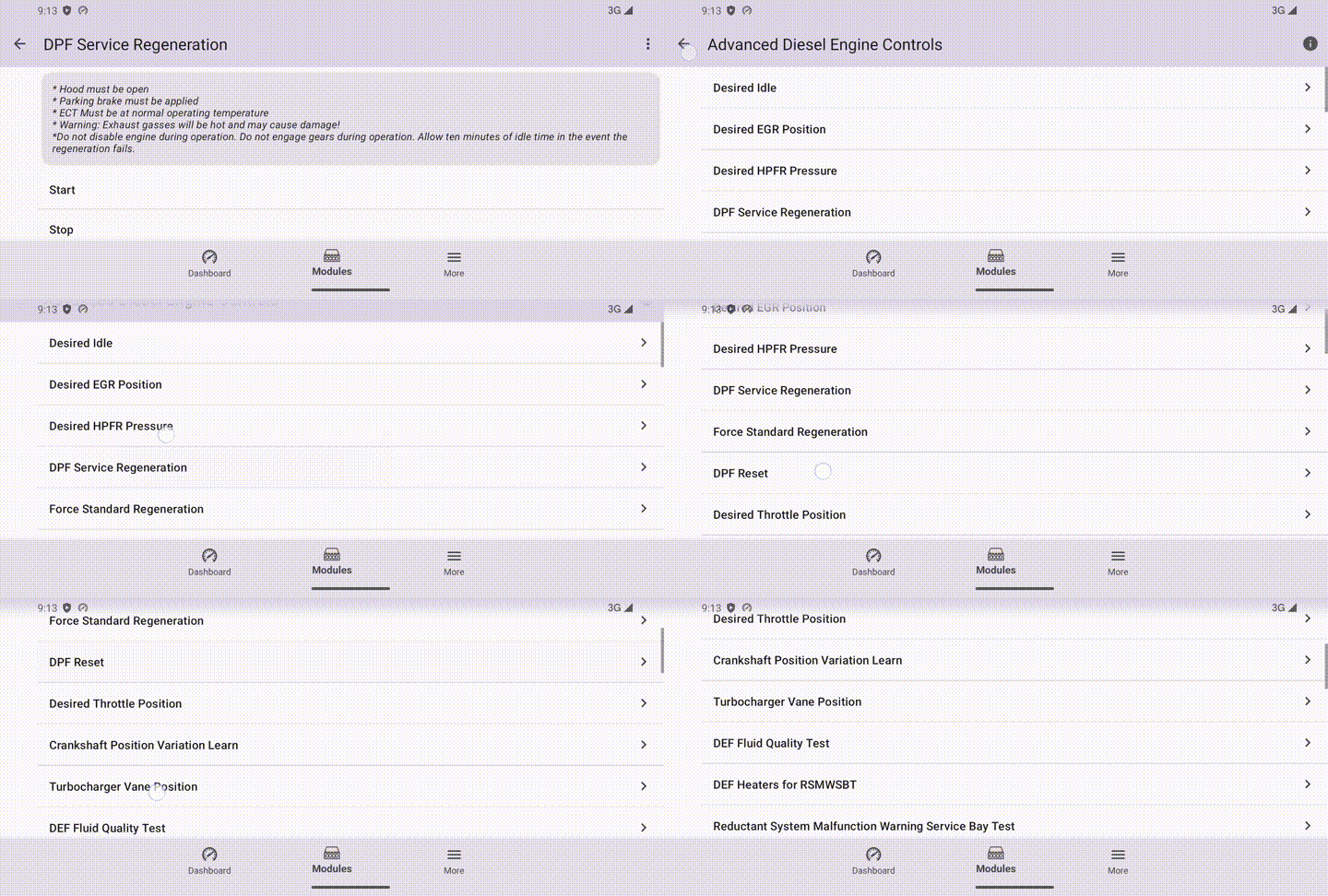
Most menus now support edge to edge display with app bars that can move out of your way.
On Android Phones. This significantly improves the usability of the app in landscape mode.
Edge to Edge Charts
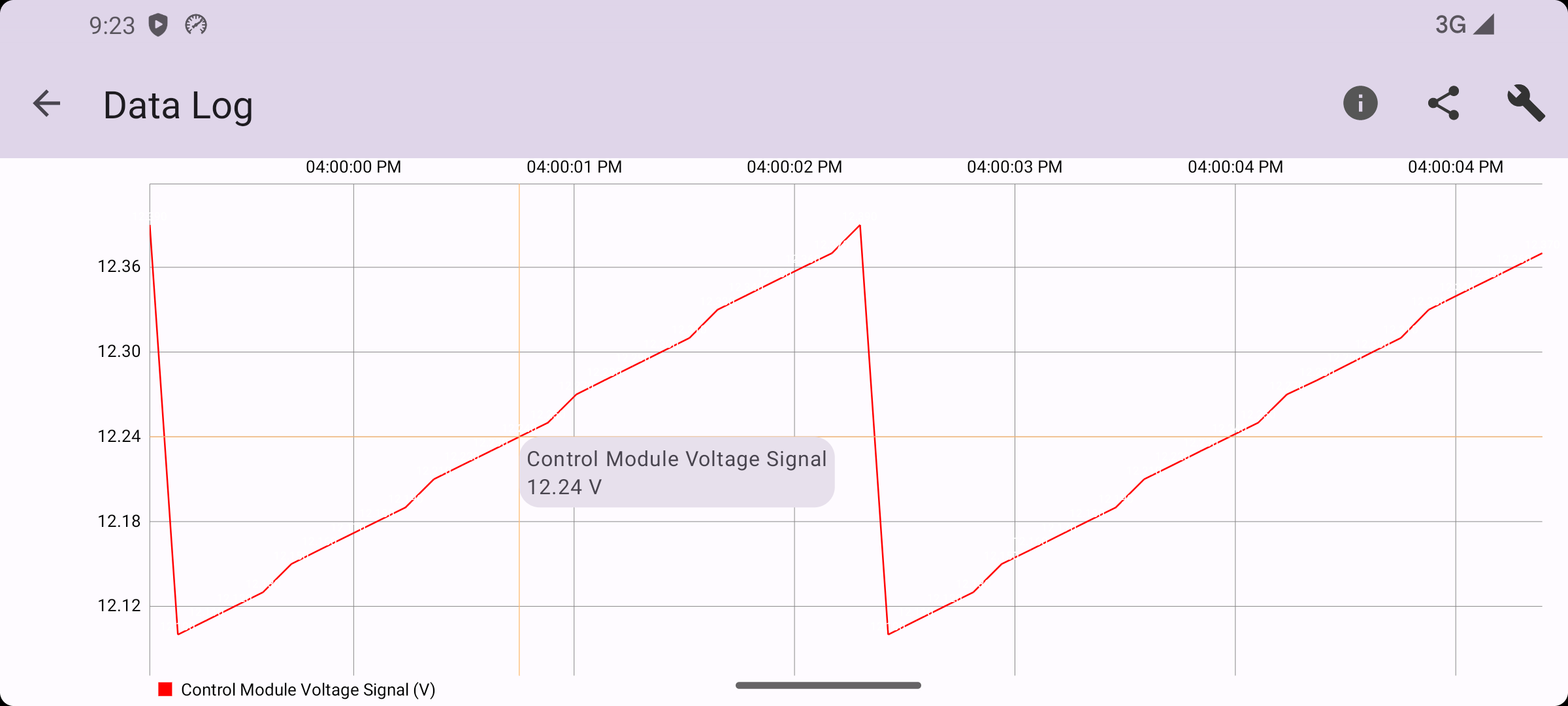
Edge to Edge Data Views
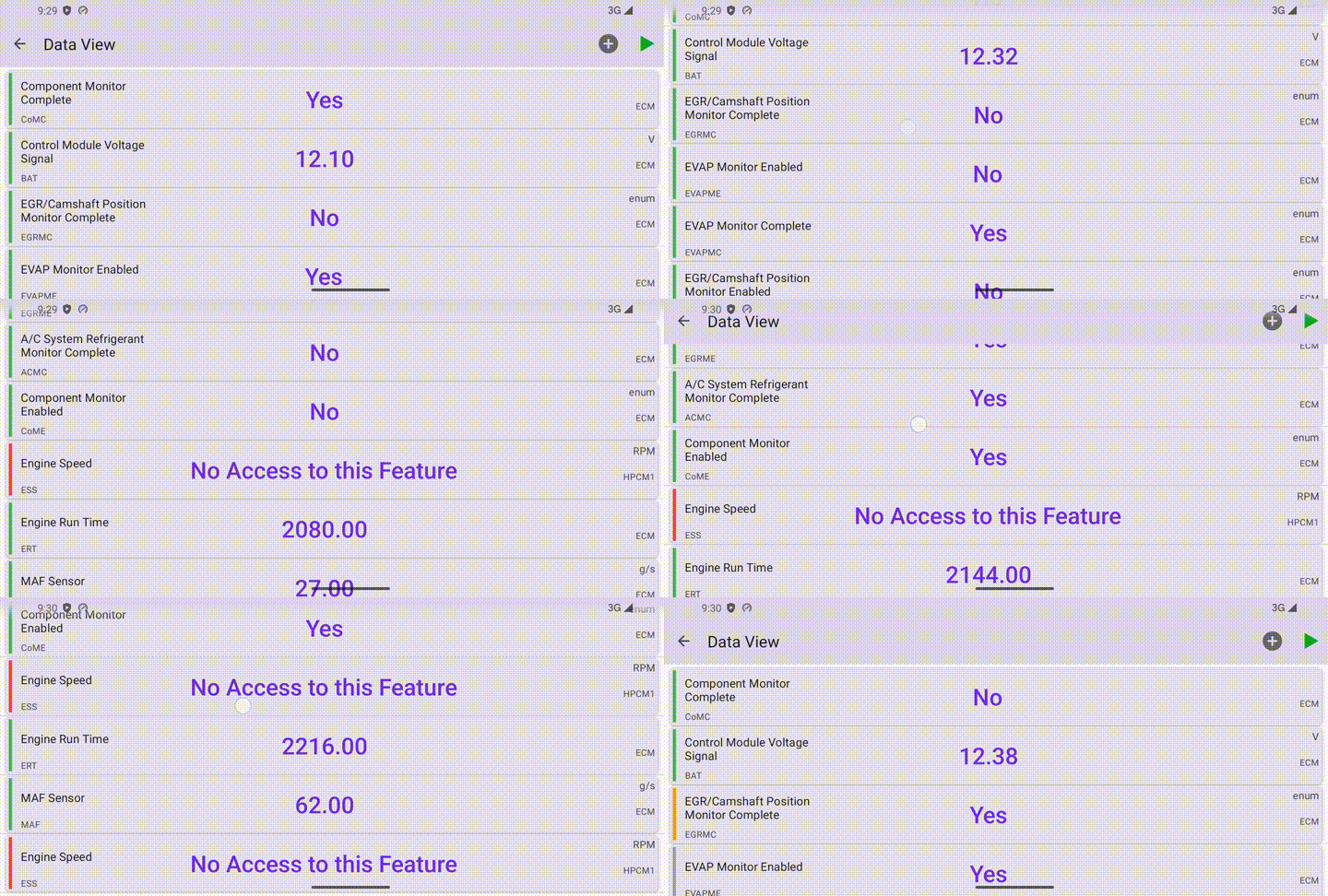
New Data View
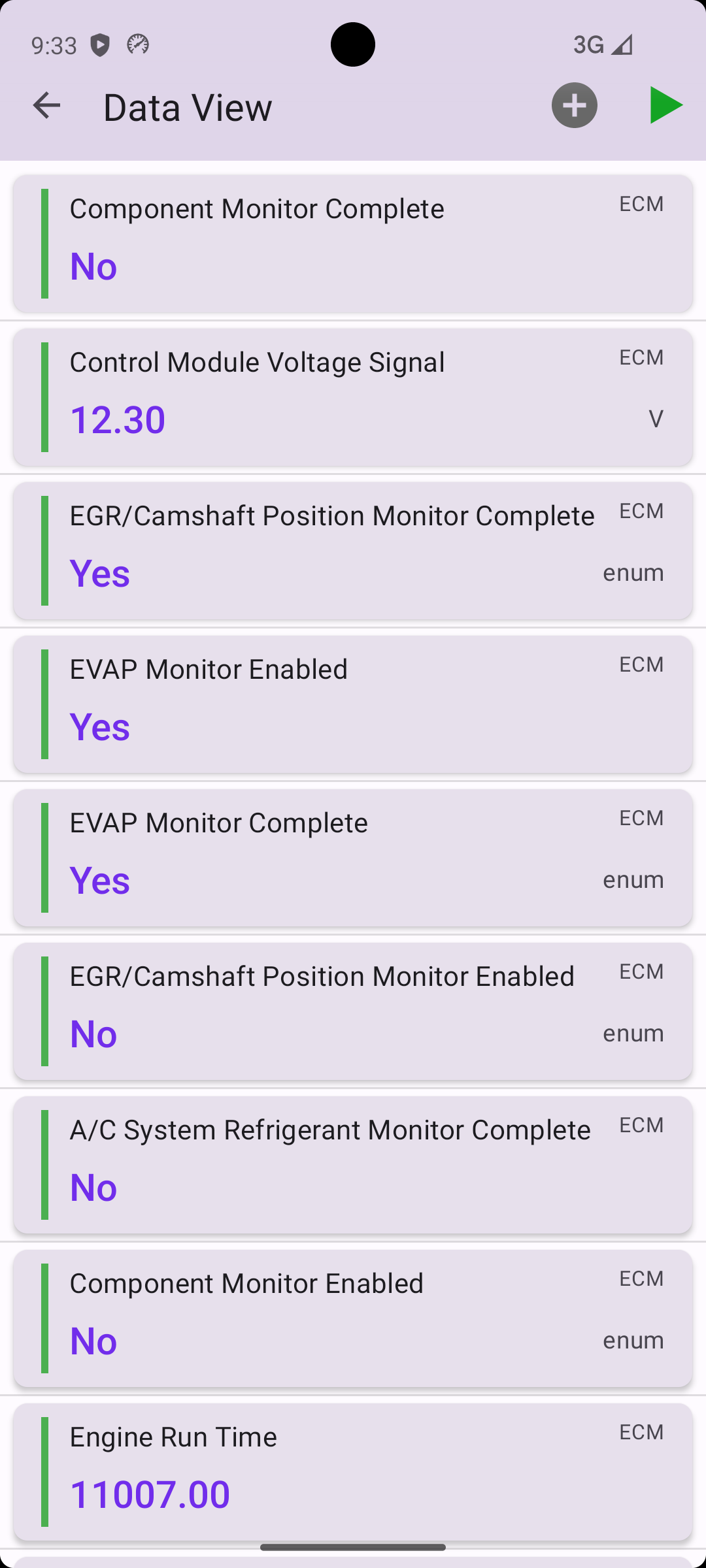
Did you notice something different? The old spreadsheet is being replaced with a data view mode similar to iOS. This new style will be much friendlier to scroll through on a mobile phone. It will also replace the default style when executing controls (i.e. a service regeneration).
We are excited to see what you can with your new space!!
Last updated May 6, 2026